
 EN
EN



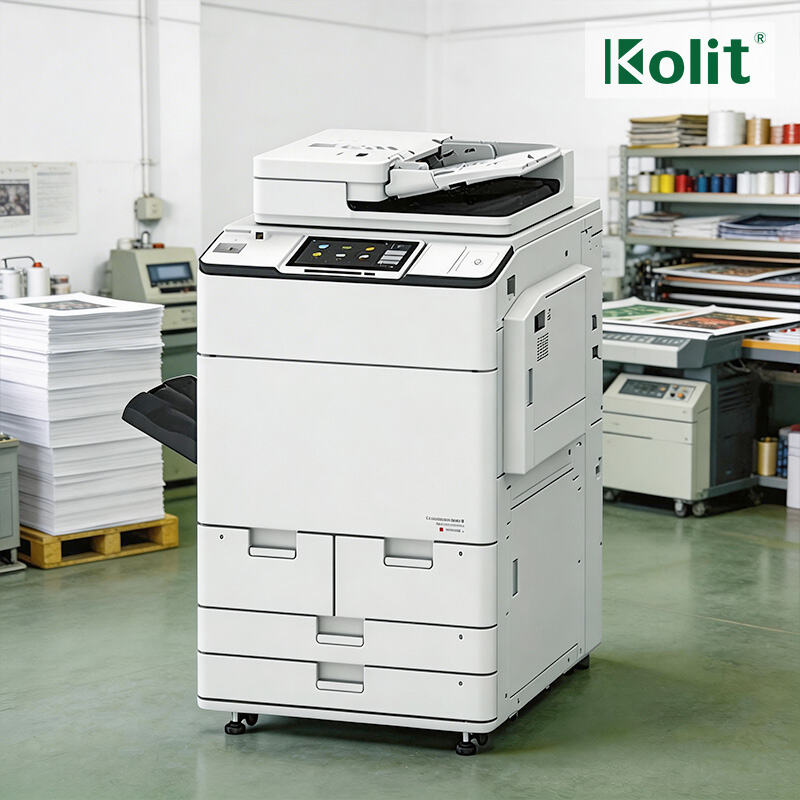
Assess Your Print Volume and Workflow Needs
Measuring Monthly Print Volume and Matching It to Duty Cycle Ratings
Getting a good handle on how much printing happens each month at your company is really important when picking out an office copier that can actually keep up without breaking down. Start by checking what each department prints week after week on all their machines, do the math by multiplying those numbers by four for a rough monthly estimate, and don't forget to factor in those busy times of year when things like quarterly reports or big marketing pushes send everyone scrambling to print. The actual number needs to match up with what the copier manufacturer says about its duty cycle rating, which basically tells how many pages it should handle in a month before problems start showing up. Go over that limit too often and the machine will wear out faster. Take a look at machines rated for 5,000 pages a month but forced to handle 7,000 instead? Studies show these tend to break down way more frequently. So when shopping around, focus on finding equipment designed specifically for the workload your business actually has, not just whatever impressive specs catch your eye.
Identifying Workflow Bottlenecks: Scanning, Duplexing, and Automated Job Routing
Inefficient workflows silently drain productivity. Map your document lifecycle:
- Where do employees queue for scanning?
- How often is manual duplexing skipped due to complexity?
- Are large jobs routed inefficiently—requiring reprints or manual intervention?
These bottlenecks compound delays. For example, departments without automated job routing waste 15 minutes daily retrieving print jobs—costing 65 hours yearly per employee. Prioritize copiers with single-pass duplex scanning, cloud-based submission portals, and rules-based routing to eliminate handoffs. Streamlining these steps reclaims hours for strategic work.
Compare Office Copier Technologies and Key Features
Laser vs. Inkjet Office Copiers: Output Quality, Speed, and TCO Analysis
Office laser copiers produce really crisp text and print much quicker too, usually around 30 to 60 pages per minute. That makes these machines perfect for busy places such as law offices or accounting departments where lots of documents need printing daily. On the other hand, inkjet printers are great for colorful photos but they tend to be slower, about 15 to 35 ppm, and have trouble handling heavier paper stocks. When looking at costs over time, laser machines generally save businesses between 20% and 30% on overall expenses compared to inkjets. The reason? Laser toner lasts longer and these machines can handle monthly print volumes from 4,000 right up to over 10,000 pages without breaking down or needing constant maintenance.
Essential Modern Features: Cloud Printing, Mobile Integration, and Finishing Options
Modern printers come packed with features that go way beyond just putting ink on paper. Cloud connectivity makes it possible to print directly from services like Google Drive, OneDrive, or Dropbox without having to save files locally first. This cuts down on those frustrating situations where someone prints an old version by mistake. Most companies have found that secure mobile printing through native apps is becoming table stakes these days. About three quarters of IT managers say they simply can't function without it anymore when it comes to keeping workflows running smoothly. The finishing touches matter too. Staplers, hole punches, and booklet makers built right into the machine can save anywhere between 15 to 25 minutes on each complicated print job. When shopping around for a new copier, look for models that handle encrypted pull printing, scan both sides at least 50 pages per minute, and automatically sort documents into different department trays based on who requested them.
Prioritize Security, Compliance, and Connectivity
Secure Authentication, Data Encryption, and Pull Printing for HIPAA/GDPR Readiness
Office copiers handle all sorts of confidential information these days, which means they need to hit pretty high security marks. Most modern machines require some sort of secure login first before anyone can start copying or scanning stuff. This could be something simple like entering a PIN code, swiping an ID card, or even using fingerprint recognition technology now available on many models. When it comes to protecting actual document content, encryption plays a big role too. The data stays protected whether sitting inside the machine or being sent somewhere else across networks. Another smart feature worth mentioning is pull printing technology. With this setup, print jobs stay waiting in line until someone actually shows up at the printer and confirms their identity through whatever method was set up earlier. This cuts down on accidental leaks significantly. All these security measures help organizations follow important regulations like HIPAA requirements for medical records and GDPR rules about personal data protection in Europe. Failing to comply with either regulation can cost companies over fifty thousand dollars each time there's a breach according to recent reports from HIPAA Journal back in 2023. These aren't just nice-to-have extras anymore but essential components that build customer confidence and protect against costly legal problems down the road.
Choose the Right Acquisition Model for Your Business
Office Copier Lease vs. Purchase: Flexibility, Upfront Cost, and Long-Term TCO
The choice between leasing and buying comes down to different pros and cons. Leasing asks for little money upfront and turns equipment expenses into regular monthly fees, making it great for managing cash flow and companies that want to update their tech often. Buying equipment means spending more at the start, but typically results in cheaper overall costs after about five years once everything is paid off. There are no more monthly bills once the purchase is fully amortized. Looking at industry trends, businesses that keep their gear past three years tend to save somewhere between 25% to 40% by owning instead of renting. When weighing options, consider not only immediate budget constraints but also how long the equipment will be needed and what kind of tech roadmap makes sense for operations in the longer run.
Ready to Find the Perfect Office Copier for Your Business?
The right office copier is more than a printing tool—it’s a productivity driver that eliminates workflow bottlenecks, cuts long-term costs, and protects your sensitive business data. No generic device can match a custom-selected copier aligned with your print volume, workflow, security, and budget needs.
For premium office copiers tailored to your business—including high-performance laser MFPs from Canon, Ricoh, Xerox, and Konica Minolta, brand-new and eco-friendly remanufactured models, flexible lease/purchase plans, and full MPS support—partner with a provider backed by 30+ years of printing industry expertise. Kolit delivers certified engineering support, customized configurations, global quality compliance (ISO/CE/ROHS), and one-stop office printing solutions for businesses worldwide. Contact us today for a no-obligation consultation to select the ideal office copier that boosts productivity and lowers your total cost of ownership.
FAQ Section
What is a duty cycle rating for office copiers?
A duty cycle rating indicates the maximum number of pages a copier is designed to print in a month before issues may arise. It's crucial to match your company's print volume with the copier's duty cycle to avoid frequent breakdowns.
How can workflow bottlenecks affect office productivity?
Workflow bottlenecks can lead to delays and inefficiencies, like employees spending excess time on manual tasks. Streamlining these processes with automated job routing and efficient scanning can save significant time annually.
What are the advantages of choosing laser copiers over inkjet copiers?
Laser copiers provide faster print speeds and crisp text quality, making them suitable for high-volume environments. They also tend to have a lower total cost of ownership over time compared to inkjet copiers.
How does secure authentication work on office copiers?
Secure authentication requires users to verify their identity before accessing the copier's functions, utilizing methods like PIN codes, ID cards, or fingerprint scanning. This ensures confidentiality and compliance with regulations such as HIPAA and GDPR.
What should businesses consider when deciding between leasing and buying copiers?
Leasing allows for lower upfront costs and regular updates, while purchasing can offer cost savings in the long run. Businesses should weigh immediate budget constraints against long-term operational needs when making their decision.
Table of Contents
- Assess Your Print Volume and Workflow Needs
- Compare Office Copier Technologies and Key Features
- Prioritize Security, Compliance, and Connectivity
- Choose the Right Acquisition Model for Your Business
- Ready to Find the Perfect Office Copier for Your Business?
-
FAQ Section
- What is a duty cycle rating for office copiers?
- How can workflow bottlenecks affect office productivity?
- What are the advantages of choosing laser copiers over inkjet copiers?
- How does secure authentication work on office copiers?
- What should businesses consider when deciding between leasing and buying copiers?