Basic Info |
Details |
Product Name |
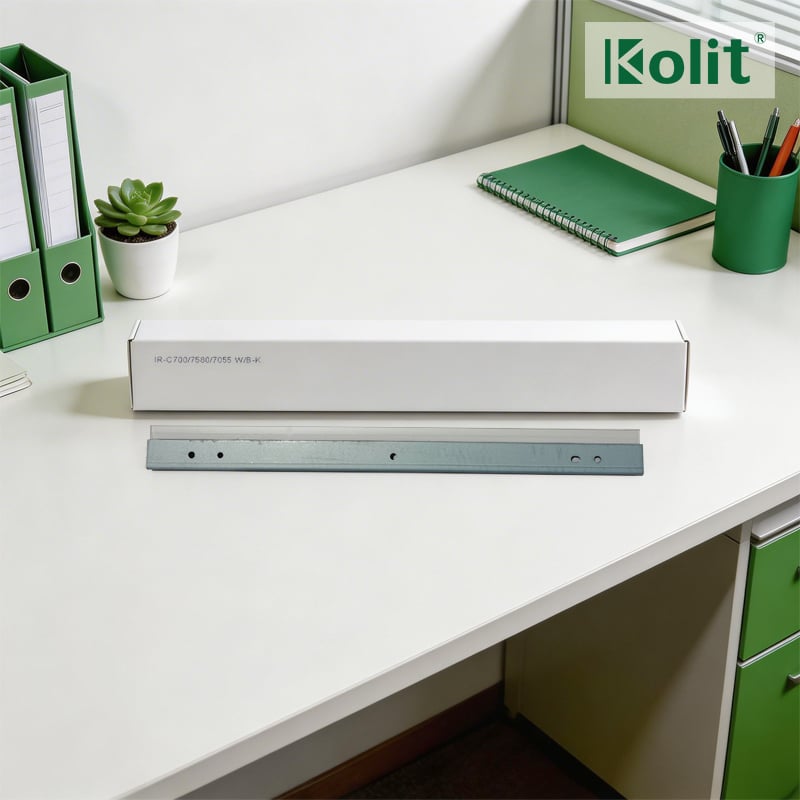
Black Drum Cleaning Blade for Canon imagePRESS C700 C750 |
Official Part Number |
FC8-2281-000 (Canon OEM Official PN) |
Brand |
Canon OEM / Compatible Replacement |
Place of Origin |
Guangdong, China |
Compatible Models |
imagePRESS C700, C710, C750, C800, C810, C850, C910, V700, V800, V900 |
Type |
PU Polyurethane Drum Cleaning Blade (Exclusive for Black OPC Drum, K Color Only) |
Matching Unit |
Black Drum Assembly (K) for Canon imagePRESS C700/C750 Series |
Rated Yield |
600,000 Pages (A4, 5% Coverage, ISO/IEC 19752 Standard) |
Material Spec |
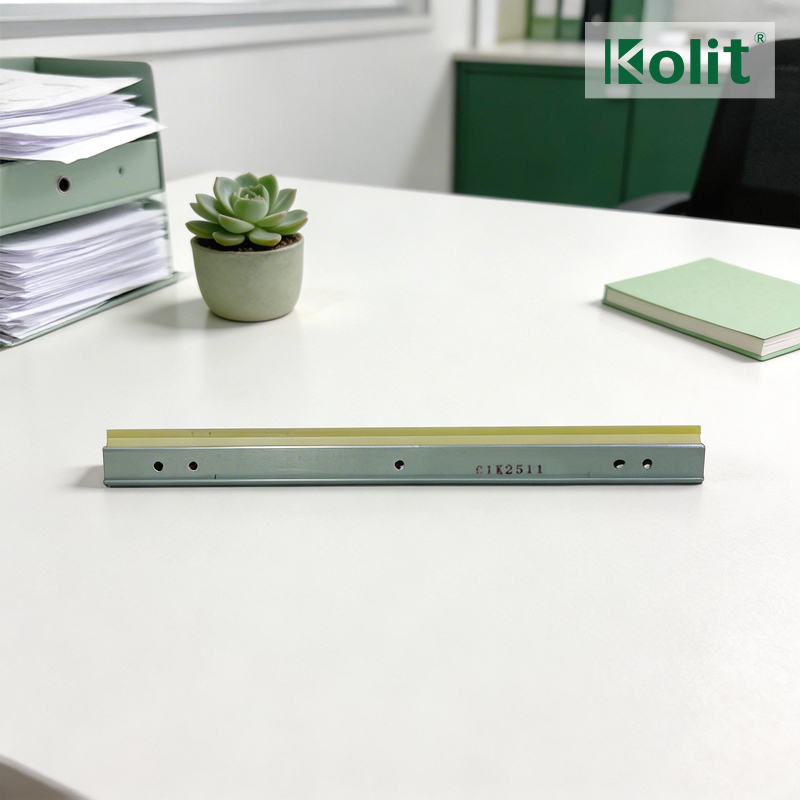
Imported High-Elastic PU Rubber + Galvanized Steel Base |
Application Position |
Inside Black Drum Unit, Contact with OPC Drum Surface |
Core Features
Canon Official Spec Compliance: Manufactured strictly per Canon original drawing and maintenance standard,
fully matches FC8-2281-000 official parameters, 100% plug-and-play without modification.
Premium Imported PU Material: High-elastic anti-aging polyurethane rubber edge, uniform hardness and thickness,
provides consistent scraping pressure for long-term high-speed production printing.
Drum-Safe Scraper Design: Polished blade edge with ultra-low friction formula, effectively scrapes residual black
toner and carrier powder without scratching or abrading the OPC drum surface.
Zero Defect Output Performance: Eliminates common black print failures including background fog, vertical black
streaks, toner ghosting and bottom smudge, restores factory-level image quality.
Long Durability & Stability: Anti-curl and anti-crack structure, resistant to high temperature and ozone aging inside
the machine, lifespan synchronized with 600K black drum assembly yield.
Precision Assembly Structure: Integral galvanized steel base with accurate positioning holes, no offset or toner leakage
after installation, reduces machine internal contamination risk.
Common Faults & Replacement Scenarios
Persistent vertical black lines/streaks on all monochrome and color printed sheets (caused by blade edge wear or notch).
Grey background fog and faint toner residue on blank print areas due to insufficient scraping pressure.
Blade rubber edge deformation, curling, cracking or loss of elasticity after long-run printing.
Toner leakage inside the black drum unit, leading to dirty transfer path and machine interior pollution.
Newly replaced OPC drum still produces defective black output caused by aged and failed cleaning blade.
Routine preventive maintenance replacement (Recommended by Canon every 600K pages for C700/C750 series).
Related OEM Parts (C700/C750 Series)
Black OPC Drum Core (K)
Complete Black Drum Assembly (K Unit)
Primary Charging Roller Unit for Black Drum
Black Developer Unit (K DV Unit)
Canon Original Black Toner Cartridge (T01/K)
Black Drum Waste Toner Collection Pipe
Installation & Maintenance Tips
Do not touch the PU rubber edge with bare hands to avoid oil contamination causing uneven scraping.
Clean the drum unit inner cavity and waste toner bin before installing the new blade to prevent particle jamming.
Adjust blade
contact pressure per Canon official maintenance manual after replacement to avoid drum abrasion or residual toner.
Store in cool, dry and dust-free environment, avoid direct sunlight and high-temperature humidity to prevent rubber aging.
 ×
×








 EN
EN